Tools
Datum Feature Shift Simulator
-Soft-Gaging · MMB · ASME Y14.5-
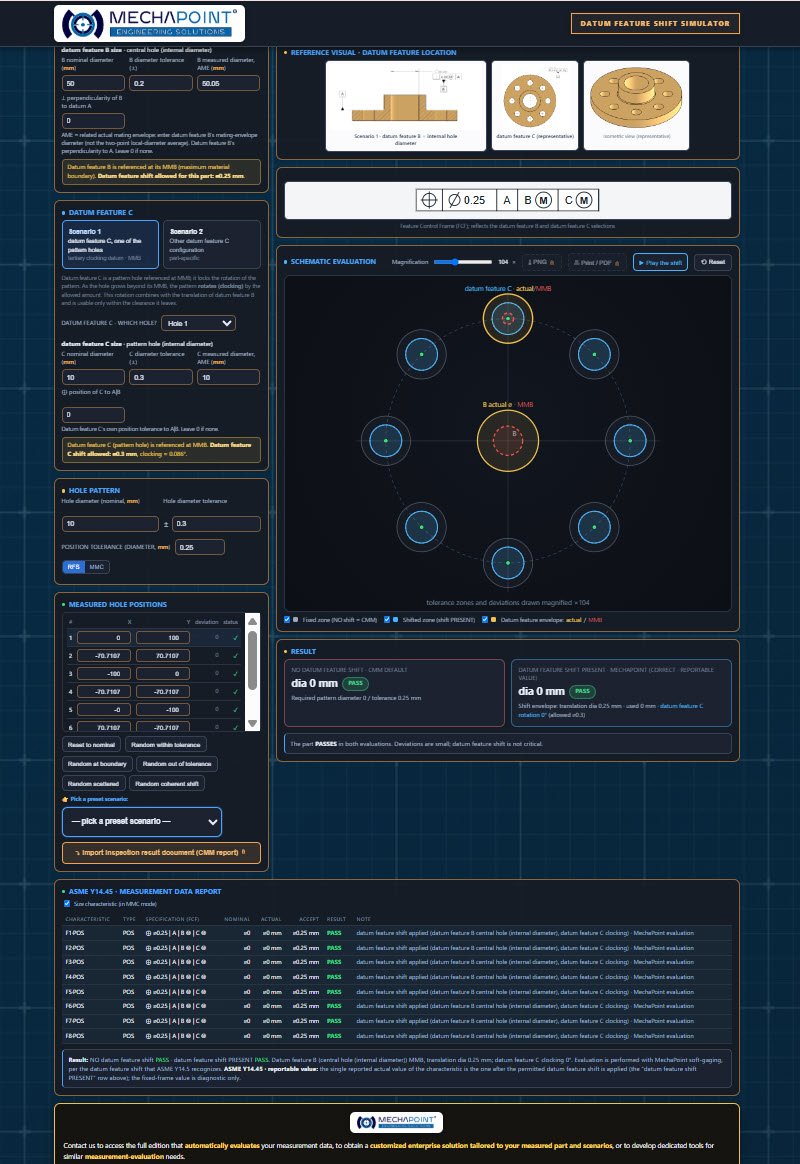
A hole pattern rejected on the CMM may actually be conforming. A datum feature referenced at maximum material boundary (MMB) lets the part shift as a rigid body; a fixed evaluation misses this entitled shift. You pick the datum reference frame and enter the measured hole positions; the tool evaluates the translation permitted by datum feature B and the rotation (clocking) permitted by datum feature C, constraining them together per ASME Y14.5. You see the shift live on the schematic and compare the fixed and shifted pass/fail verdicts instantly. No install is needed and your data never leaves your browser. Open it and try it right away.
Interactive Stack-Up Calculation Tool
-Monte Carlo – Mixed-Distribution–
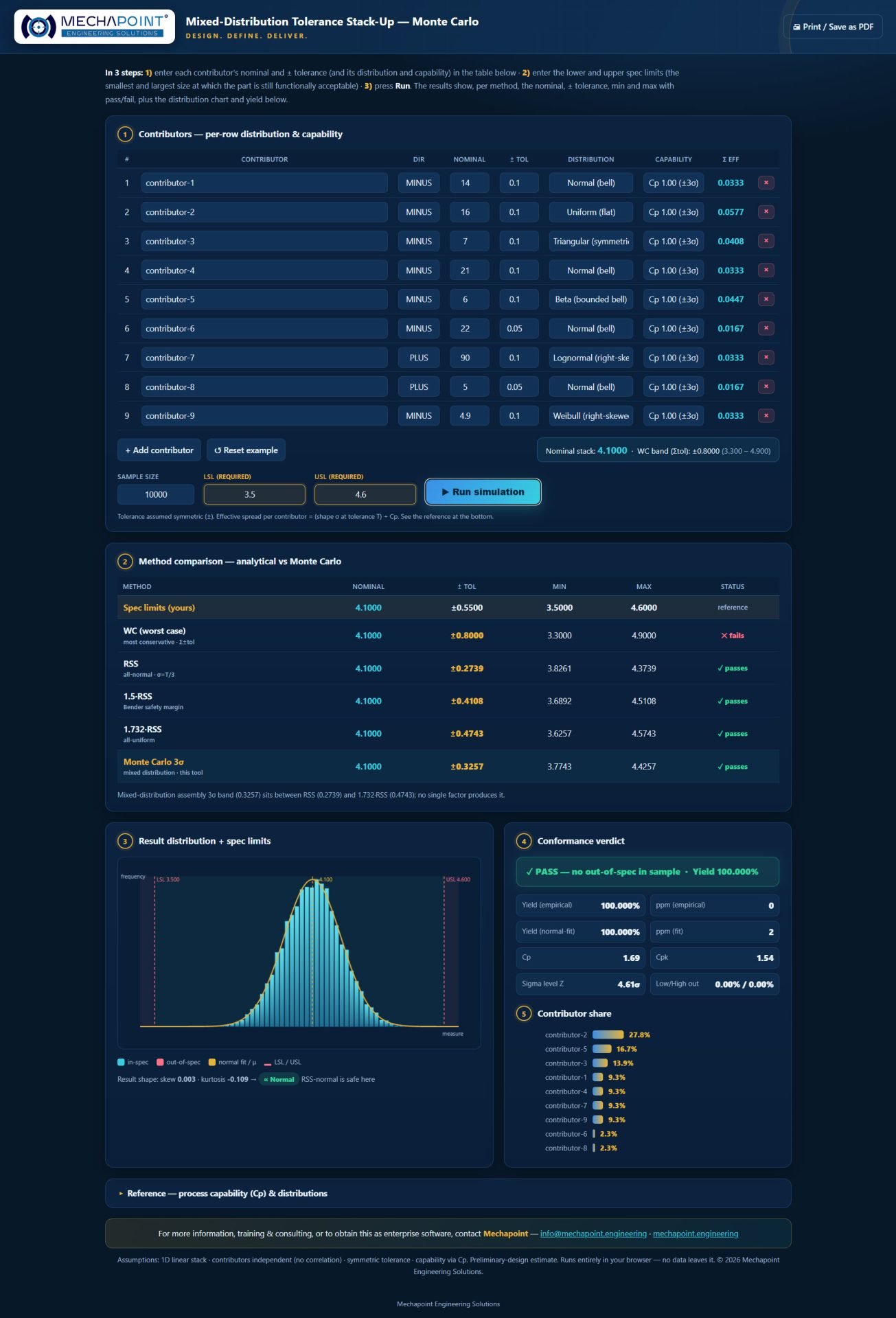
An assembly can look perfect in CAD, but once the individual part tolerances stack up the result is often different. Worst-case and RSS assume every dimension follows the same distribution, yet in a real assembly each part varies in its own way. In this tool you give each contributor its own distribution (normal, uniform, triangular, skewed and more) and pick its process capability (Cp); it then runs thousands of Monte Carlo trials right in your browser. You instantly see the result distribution, the predicted yield and the Cp/Cpk values, and you can spot which contributor drives the most variation. No install is needed and your data never leaves your browser. Open it and try it right away.
Interactive Capable Tolerance Finder
-Process Capability · Cpk · ISO 286-
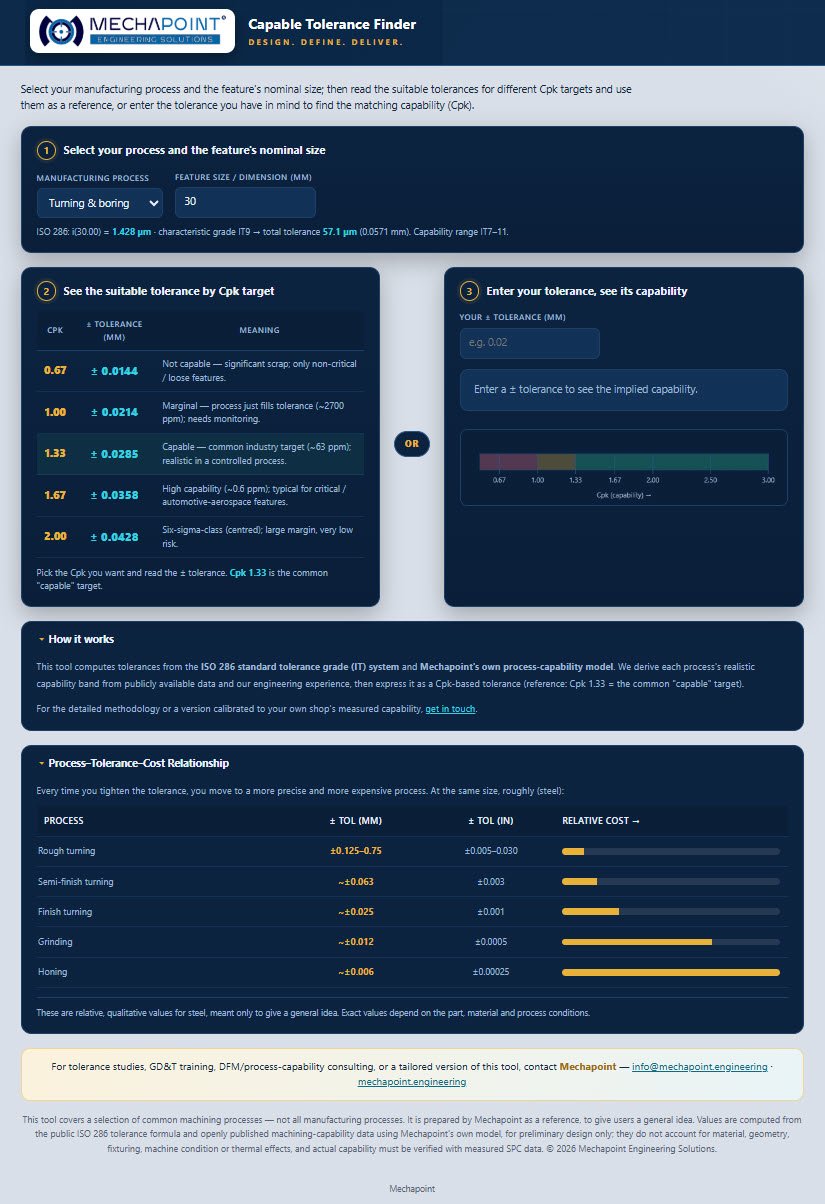
Setting a tolerance is always a trade-off: too tight drives up cost and scrap, too loose and the part stops working. So what tolerance can your chosen process actually hold at that size? In this tool you pick the manufacturing process (turning, milling, grinding, reaming and more) and the feature size, and it instantly gives the ± tolerance for each capability target (Cpk 0.67–2.00). You can also work the other way: enter a tolerance and see the implied Cpk for that process and size. Values are computed from the public ISO 286 standard tolerance formula. No install is needed and your data never leaves your browser. Open it and try it right away.
Interactive Limits & Fits Calculator
-ISO 286 · ASME B4.1 / B4.2-
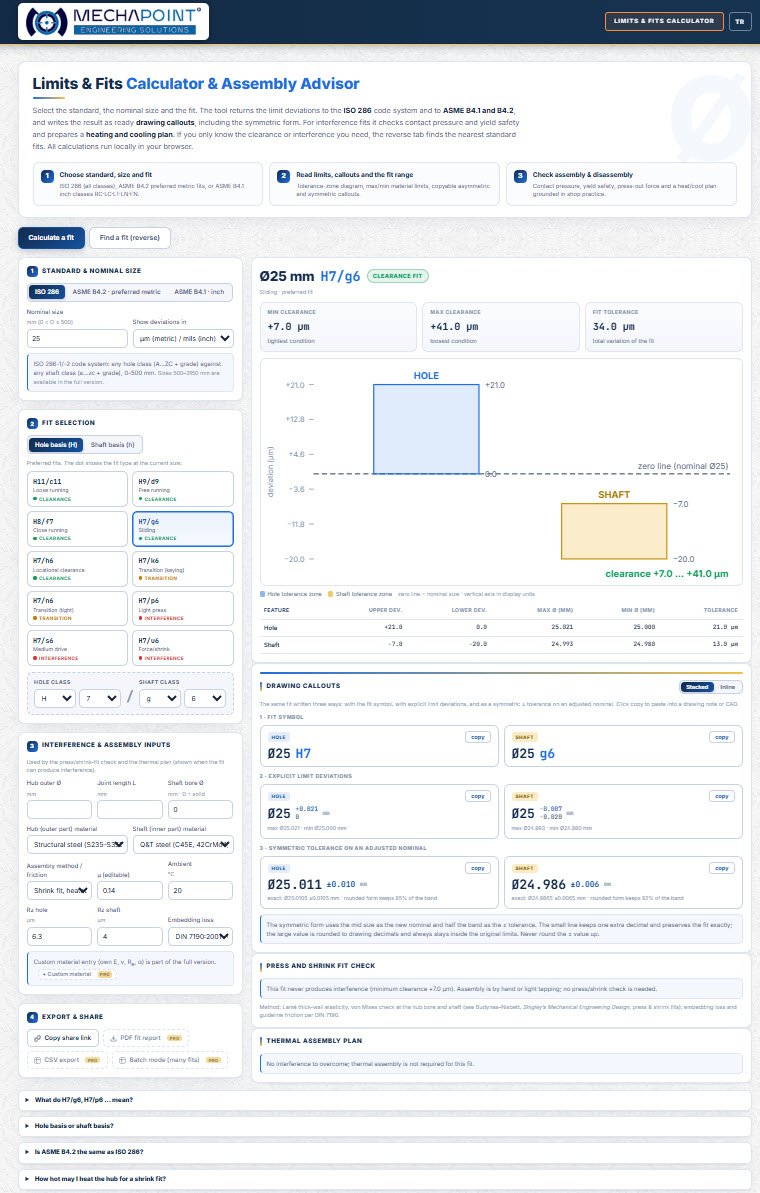
A drawing callout names the fit class, but not what happens when the parts meet — how much clearance results, whether it needs pressing or heat-shrinking to assemble, and whether it comes apart safely later. This tool starts from any ISO 286, ASME B4.1 or B4.2 fit, or works in reverse from the clearance or interference you need. It gives the limit deviations and range, then writes the result as a ready drawing callout — symbolic, explicit or symmetric ±. For interference fits it checks contact pressure and yield safety, and plans the heating or cooling needed. No install is needed and your data never leaves your browser. Open it and try it right away.
Bolted Joint Calculation Tool
-Preload · Separation and Slip-
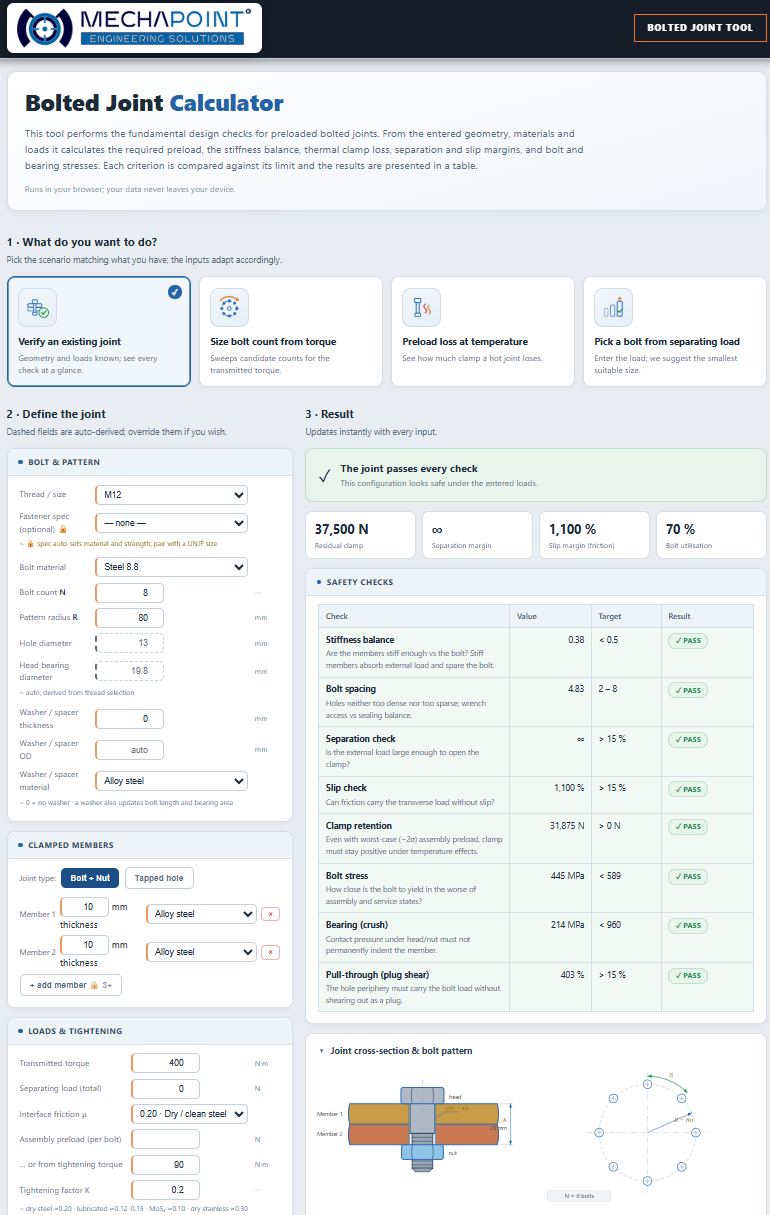
What carries a joint is not the bolt’s strength but the preload it creates; whether that preload is adequate is settled at the design stage, before any part is made. For bolt-and-nut and tapped-hole joints the tool calculates the required preload, the stiffness balance, the separation and slip margins, the bolt and surface stresses, thermal preload loss and thread stripping; it compares every criterion against its limit and reports the result as a clear PASS/FAIL table. No installation is needed and your data never leaves your browser. Open it and try it right away.
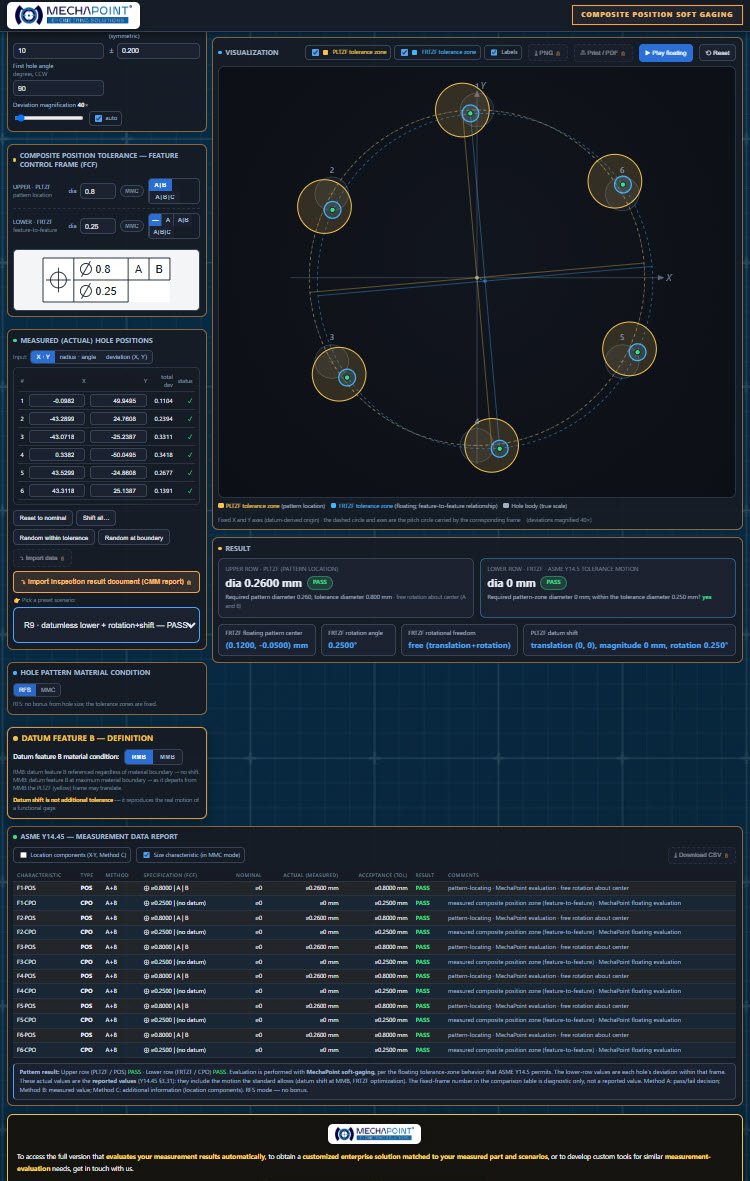
Composite Position Tolerance
Simulator